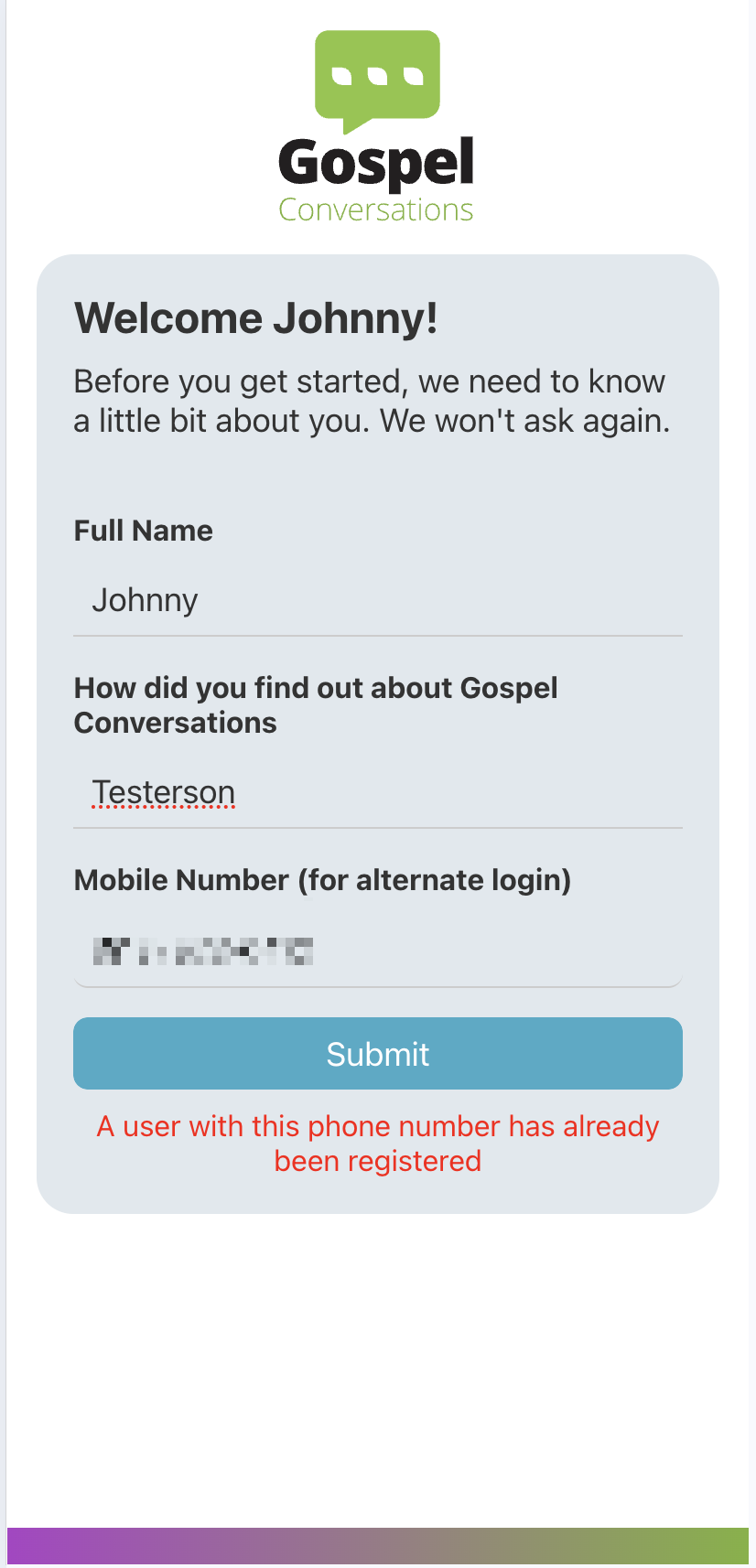
When onboarding a new account you may encounter an error regarding your phone number:
A user with this phone number has already been registered
Why am I seeing this?
This happens when you try to save a phone number that was used to create another account.
If you are the owner of this phone number, this means you likely have already used this phone number to log in, but did not add your email to that account (which ties them both together).
You can finish signup, by leaving the phone field blank.
So I have two accounts? How do I fix this?
You need to decide which account to keep — the phone sign-up account or the email sign-up account.
- Sign in with either your phone or email and determine which account has the data (conversations/pearls etc) that you want to keep
- Sign out
- Sign in with the account (phone or email) that you want to delete, and go to Settings > Account Details
- Select Delete Account - once support deletes the extra account, you may sign in actual account and add the email/phone under Settings > Account Details
Was this article helpful?
That’s Great!
Thank you for your feedback
Sorry! We couldn't be helpful
Thank you for your feedback
Feedback sent
We appreciate your effort and will try to fix the article